DMS – HR document management, with documents generated from templates
DMS (Document Management System) is the platform where our client generates, stores and sends HR documents for the companies it works with: employment contracts, contract amendments, decisions, certificates and job descriptions, all created from templates.
- Client
- Confidential
- Industry
- Human resources, HR administration
- Period
- 2024
- Services
- Document management web application, templates, activity log, data import
- Technologies
- Laravel, PHP, MySQL, jQuery
A company that handles HR paperwork for several employers
The client prepares HR documents for the companies it works with: employment contracts, contract amendments, decisions, certificates and job descriptions. Its name is not published.
For each company it needs the company details, the list of employees and every document issued for them.
Thousands of documents, for dozens of companies
Every employee of every company has contracts, amendments, decisions and certificates. On paper or in separate files, these documents are hard to find, track and archive.
The goal was a central platform for storing and organising documents, with automated approval workflows and role-based access to information.
The DevTeam solution
We built the DMS web application, with an admin panel, document templates, an activity log and data import. These are the main components.
From template to document sent
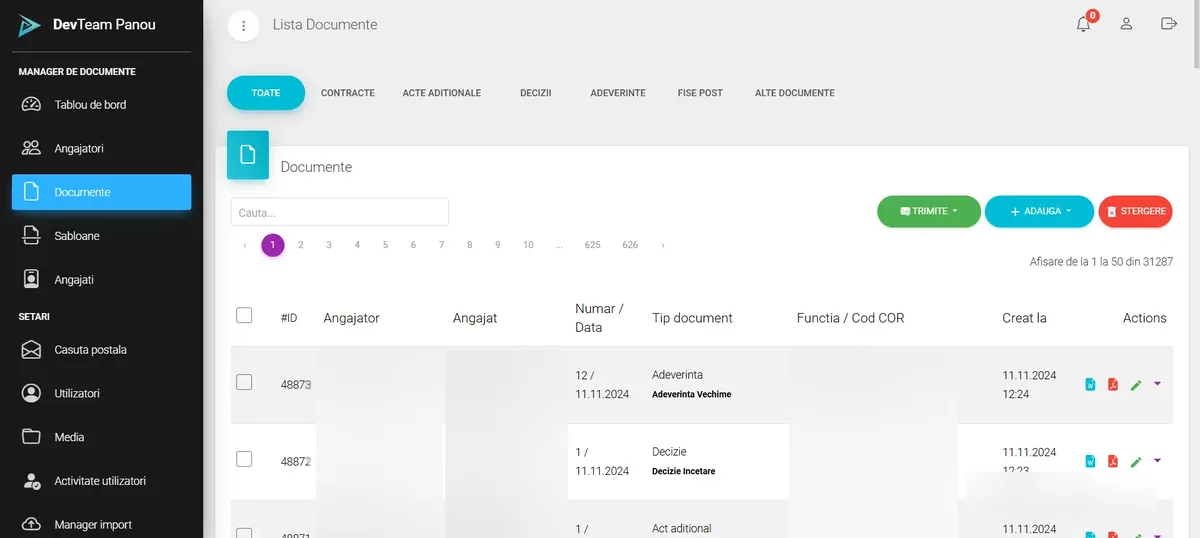
A document is generated from the right template, with the company and employee details already filled in.
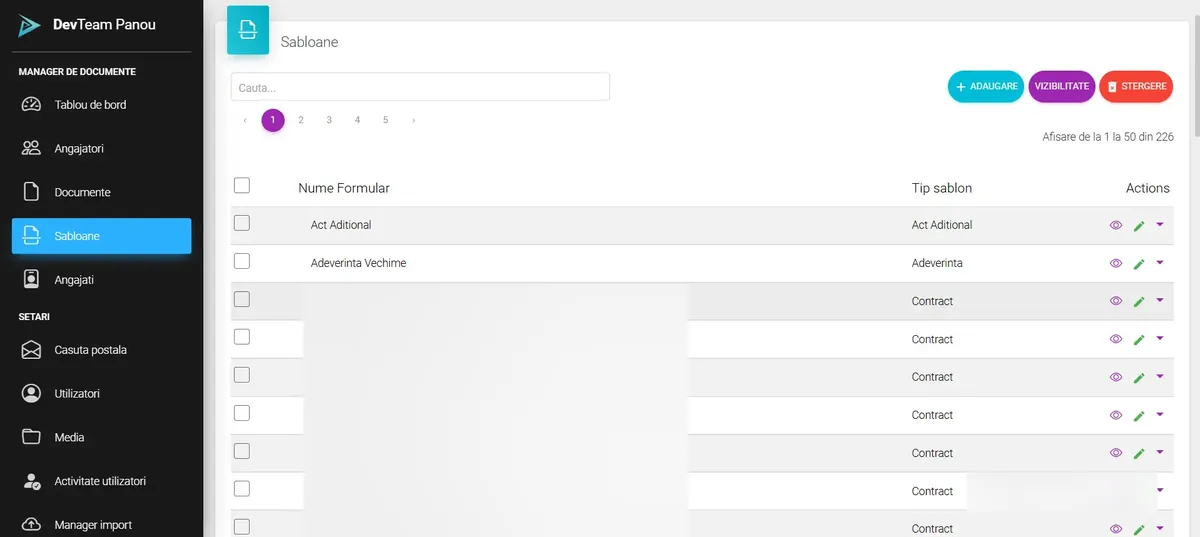
Each document type (contract, amendment, certificate) has its own templates.
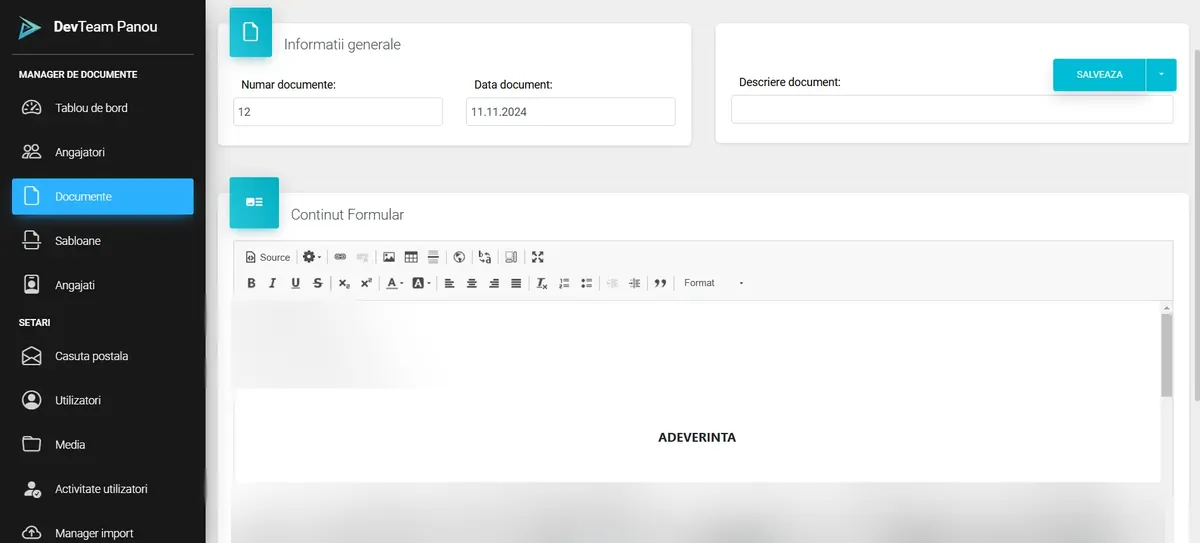
The document gets a number and a date, and its content can be adjusted in the text editor.
The document is downloaded as Word or PDF, or sent straight from the list.
A new document no longer starts from an old file copied over.
An editor for document content
The content of each document is edited in the browser, in a text editor with tables, images and formatting.
The document list is filtered by type (contracts, amendments, decisions, certificates, job descriptions and other documents) and has a search.
Employers and employees
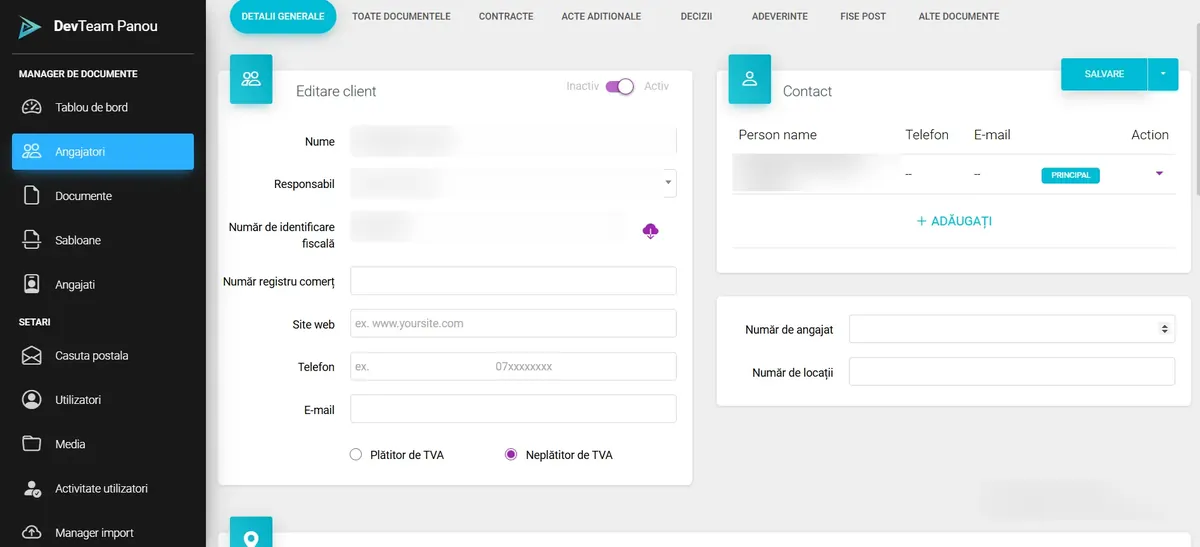
For each company the platform keeps the tax ID, the trade register number, the VAT status, the contact persons, the work locations and the attached files.
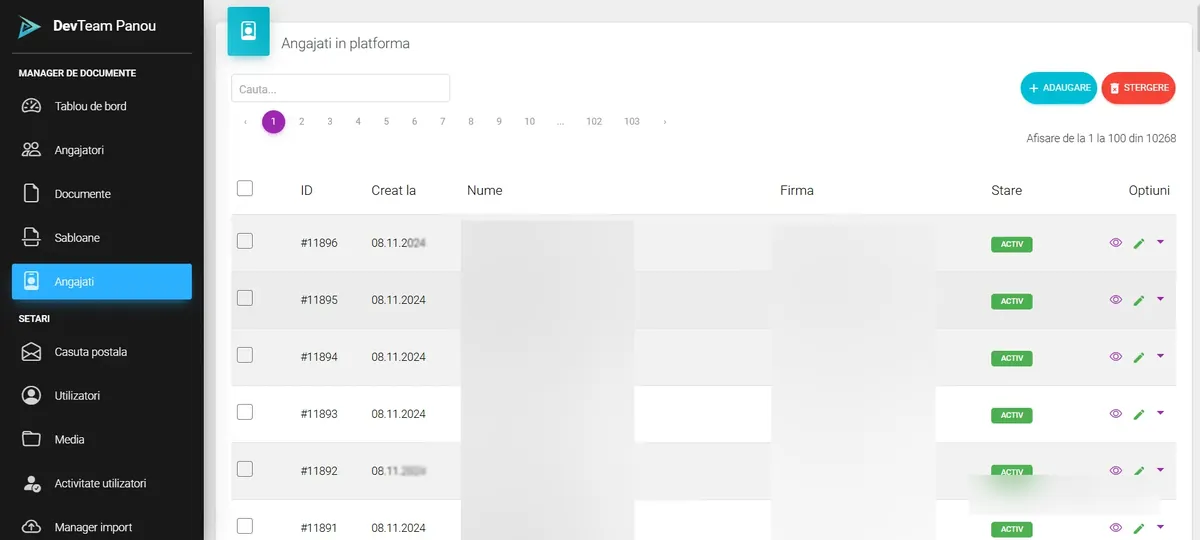
Employees have their own record, with the company they work for and their status, and documents can also be viewed from the company record, by type.
Activity log
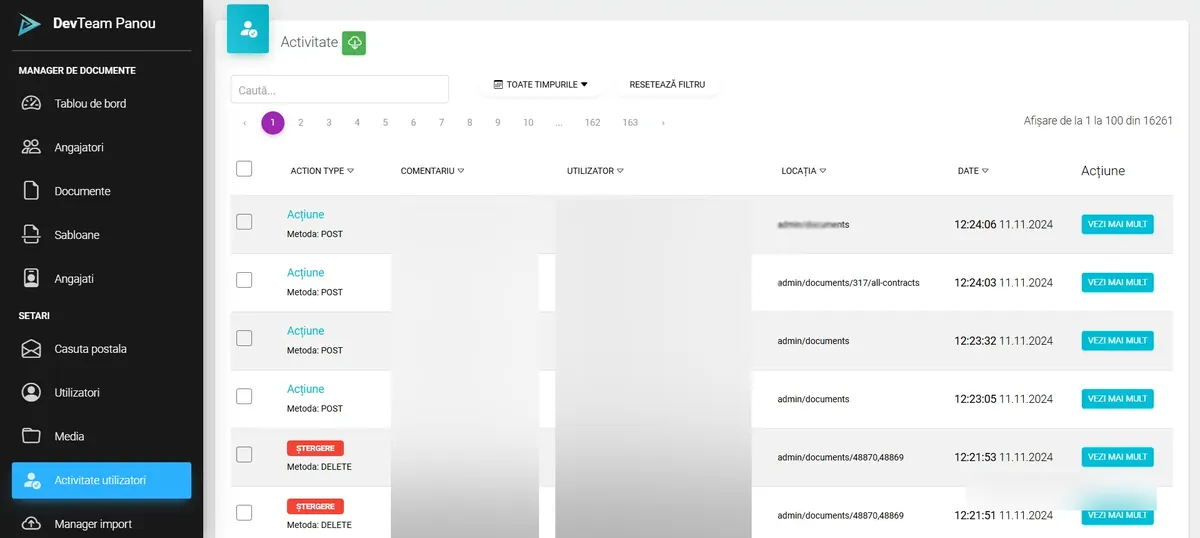
Every action, from creating a document to deleting it, is recorded with the user, the page and the exact time.
The log can be filtered by period and searched, so any change can be traced.
Data import per company
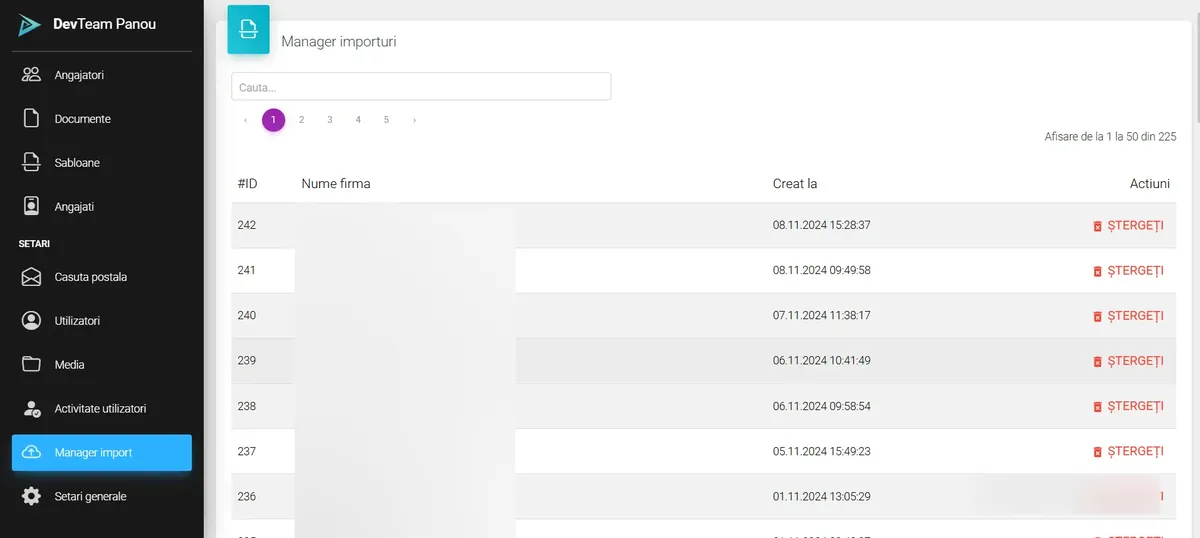
Data is imported into the platform for each company, and the import manager keeps the list of imports, with the company and the date of each one.
Imports can be deleted from the same list.
Roles, versions, approvals and notifications
Access to documents is set through roles and permissions. The system keeps the change history and document versions, searches the whole document base and runs approval workflows with notifications for users.
- Configurable roles and permissions
- Versions and change history
- Approval workflows with notifications
- An in-app mailbox
Key features
- Documents by type: contracts, amendments, decisions, certificates, job descriptions
- Templates for each document type
- Text editor for document content
- Download as Word and PDF
- Companies with tax ID, work locations and contact persons
- Employees linked to companies, with their status
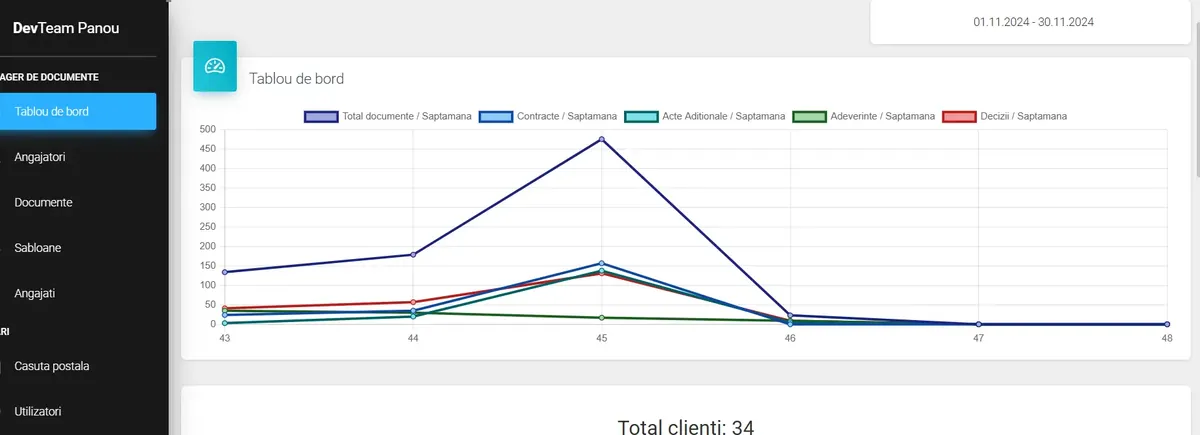
- Dashboard with documents issued per week and per type
- Data import per company
- Log of user actions
- Roles and permissions for users
- Document versioning
- Approval workflows with notifications
Results
- HR documents start from templates, not from copied files.
- The documents of all client companies sit in one place, with search and filters by type.
- Every action in the platform stays in the log, with the user and the time.
- Access to documents depends on each user's role.
Technologies
- Laravel
- PHP
- MySQL
- jQuery
- JavaScript
- HTML5
- CSS3
Screenshots from the application
Need a platform for your company documents?
We build custom internal platforms: documents generated from templates, roles, approvals and an activity log, adapted to your processes. Learn more about ERP platform development.