A complete technical audit for websites and web platforms
We review your website, online shop or platform across 12 areas: speed, security, code, server, database, technical SEO, accessibility, GDPR, analytics, email, integrations and mobile. You get a report with every issue, its evidence, its priority and the effort to fix it, plus a clear plan: what to fix first, what can wait and what is worth rebuilding.
- 12 areas
- reviewed, from speed and security to code, server and GDPR
- from €1,000
- + VAT: the starting price of a technical audit
- Read-only
- the access we need: the audit does not change the live site
- 2015
- the year since we have been building, taking over and maintaining web platforms
When a technical audit makes sense
A technical audit tells you, with evidence, what state your website or platform is in and what needs to be done. It is most useful before a costly decision: a rebuild, a takeover, an investment or a big campaign.
Your site is slow or throws errors
Pages load slowly on mobile, the server goes down at traffic peaks or errors appear that nobody can explain.
You have lost rankings in Google
Organic traffic dropped after a relaunch, a migration or an update. The cause is often technical: redirects, indexing, speed.
You are taking over a platform
The developer left or the contract ended. Find out what you are getting: the code, the server, the documentation and the risks, before you continue.
You are planning a redesign or a new version
Find out what can be kept and what has to be rebuilt, so the budget goes where it matters, not into rewriting what already works.
You are investing in an online business
Before an investment or an acquisition, a technical audit (due diligence) shows the real state of the platform and the hidden costs.
You had a security incident
The site was hacked, sends spam or redirects visitors. We check what was affected and what has to be closed, so it does not happen again.
What a complete technical audit covers
The audit covers 12 areas. You can choose all of them or only the ones that matter to you now, for example speed and technical SEO, or just security. Every issue found by a tool is confirmed by hand, so the report has no false alarms.
Performance and Core Web Vitals
How fast the site loads and responds, on mobile and on desktop, for visitors and for Google.
- LCP, INP and CLS, from real visitor data and from lab tests
- Server response time (TTFB) and caching
- Images, fonts, CSS and scripts that delay rendering
- Third-party scripts: chat, tracking, widgets
Security
The issues that can lead to stolen data, a hacked site or hijacked accounts, checked against the OWASP Top 10.
- SQL injection, XSS, CSRF and input validation
- Authentication, passwords, sessions and role permissions
- Libraries and plugins with known vulnerabilities
- Exposed files (.env, .git, backups), HTTPS and security headers
Source code and architecture
How easy the application is to maintain and extend, and what every change will cost you from now on.
- Code structure, duplication and technical debt
- PHP, framework and dependency versions against official support
- Automated tests, documentation and unused code
- Passwords, keys and settings written directly in the code
Server, hosting and backups
The infrastructure the site runs on, and how quickly you recover if something breaks.
- Server, PHP and database versions
- Backups: do they exist, are they complete, can they be restored?
- Monitoring, logs and error alerts
- Deployment process and the staging environment
Database
The data structure and the queries that slow the application down as it grows.
- Slow queries and missing indexes
- Table structure and data integrity
- Duplicate, orphaned or inconsistent records
- Data volume and what can be archived
Technical SEO and AI visibility
What stops Google and AI assistants (ChatGPT, Gemini, Perplexity) from finding and understanding your pages.
- Indexing, robots.txt, sitemap and canonical tags
- Redirects, 404 errors and redirect chains
- Hreflang for multilingual sites
- Structured data (schema.org) and llms.txt
Accessibility
Whether every visitor can use the site, including people with disabilities, against the WCAG criteria (level AA).
- Contrast of text and buttons
- Keyboard navigation and visible focus
- Alternative text, headings and form labels
- The European accessibility requirements for online shops, in force since June 2025
GDPR and cookies
Whether visitor data is collected lawfully and whether the cookie banner really does what it promises.
- Scripts that start before the visitor consents
- Google Consent Mode v2 and the cookie banner
- Forms: what data is collected and where it goes
- Personal data in logs, exports or public files
Analytics and conversions
Whether the numbers you make decisions on are right, and whether your ads receive the real conversions.
- GA4 and Google Tag Manager: duplicate or dead tags
- Conversion events: forms, phone calls, orders
- Google Ads and Meta conversions compared with what happens on the site
- Data lost to the cookie banner or to JavaScript errors
Email and forms
Whether the messages your site sends reach their recipients, not the spam folder or nowhere.
- SPF, DKIM and DMARC for the domain
- Forms: sending, confirmation, spam protection
- Automated emails: orders, accounts, password resets
- Mail routing between the hosting server and Microsoft 365 or Google Workspace
Integrations and APIs
The connections to payments, couriers, invoicing, the ERP and other systems, where errors easily go unnoticed.
- Online payments, couriers, RO e-Factura, ERP and CRM
- Errors, timeouts and retries
- API keys that are exposed or have too many rights
- What happens when an external service does not respond
Mobile and compatibility
How the site looks and works on phones, on tablets and in the browsers your customers use.
- Small screens and tap targets that are too close together
- Forms and the shopping cart on mobile
- Chrome, Safari, Firefox and Edge
- JavaScript errors in the browser console
What you get at the end of the audit
A report anyone can use: management, to decide, and the technical team, to fix.
-
A written report, by areaWith a summary for management and the technical details for the team doing the fixes.
-
Evidence for every issueThe URL, a screenshot, the file and line of code, or the server setting.
-
Priority, impact and effortCritical, high or low, what it means for the business and how long the fix takes.
-
A phased remediation planWhat gets fixed right away, what goes into the next phase and what can wait.
-
Baseline measurementsSpeed, scores and errors, so you can see the difference after the fixes.
-
A walkthrough of the reportWe explain what we found and our recommendation: fix, partially rebuild or rebuild from scratch.
| Priority | Issue and evidence | Area | Effort |
|---|---|---|---|
| critical | The .env file can be downloaded publicly/.env returns 200 and contains the database password | Security | 15 min |
| critical | The shop search builds SQL from the text it receivesapp/Http/Controllers/SearchController.php, line 42 | Security | 2 hours |
| high | 4.8 s LCP on mobile, on product pagesthe main image is 2.4 MB and is not resized | Performance | 1 day |
| high | The last restorable backup is 5 months oldthe backup job has been failing since March, with no alert | Server | 3 hours |
| low | 312 filter pages indexed, with no canonical tagGoogle Search Console, Pages report | Technical SEO | 4 hours |
Automated scan or complete technical audit?
Free online tools give you a score in seconds. They are a useful starting point, but they only see what can be measured from the outside, and they do not know what matters to your business.
| Criterion | Free automated scan | Complete technical audit |
|---|---|---|
| What it sees | Only the public pages, from the outside. | The public pages, plus the code, server, database and integrations, with the access you give us. |
| The result | A score and a generic list of warnings. | Issues confirmed by hand, with evidence and no false alarms. |
| Priorities | The same for every site. | Based on the impact on your business: sales, data, rankings in Google. |
| Security | Surface checks: HTTPS, a few headers. | Code, roles, dependencies and server configuration, against the OWASP Top 10. |
| Solutions | General advice. | What to fix, exactly where and with what effort. |
| After the report | You are on your own. | We walk you through it and, if you want, we fix it or work with your team. |
A complete audit is worth it if:
- your website or platform brings in sales, leads or important data, and you cannot afford downtime;
- you are about to invest in a rebuild, an extension or a campaign and want to know what you are building on;
- you no longer have access to the original developer, or you do not trust what they left behind;
- the platform handles personal data, payments or integrations with other systems.
It is not a penetration test
We check security in the code, in the dependencies and in the configuration, without attacking the live site. If you need a certified penetration test, for a client or for a certification, we tell you so in the first call.
How we run a technical audit
We start from what you want to decide after the audit, not from a standard checklist. We measure automatically whatever can be measured, then we read the code and the configuration and confirm every issue before it goes into the report.
- PageSpeed Insights and Lighthouse
- Google Search Console
- Chrome DevTools
- composer audit and npm audit
- SEO crawler
- DNS, SPF, DKIM, DMARC
- Manual code review
-
01
Call and goals
We find out what worries you, what platform you have, who built it and what you want to decide after the audit. Together, we choose the areas to review.
-
02
Access and confidentiality
We get read-only access: the code (Git or an archive), the server, Google Search Console and Analytics. On request, we sign a non-disclosure agreement (NDA).
-
03
Automated analysis
We measure speed, crawl the pages like a search engine and check the dependencies, headers, DNS and email.
-
04
Manual analysis
We read the code, the configuration and the key flows: login, orders, payments, forms. We confirm every issue the tools found.
-
05
Report and priorities
We write the report, with evidence, priorities, estimated effort and the phased remediation plan.
-
06
Report walkthrough
We explain what we found and answer questions, for you and for your technical team.
-
07
Fixes and re-check (optional)
We do the fixes, or your team works from the report. At the end, we re-check the fixed areas against the baseline measurements.
After the audit: we fix, modernise and maintain
The report is yours, and any team can use it. If you want us to carry on, we take over the platform, fix it and maintain it. We recommend rebuilding from scratch only when fixing would cost more. We have worked this way on projects like these:

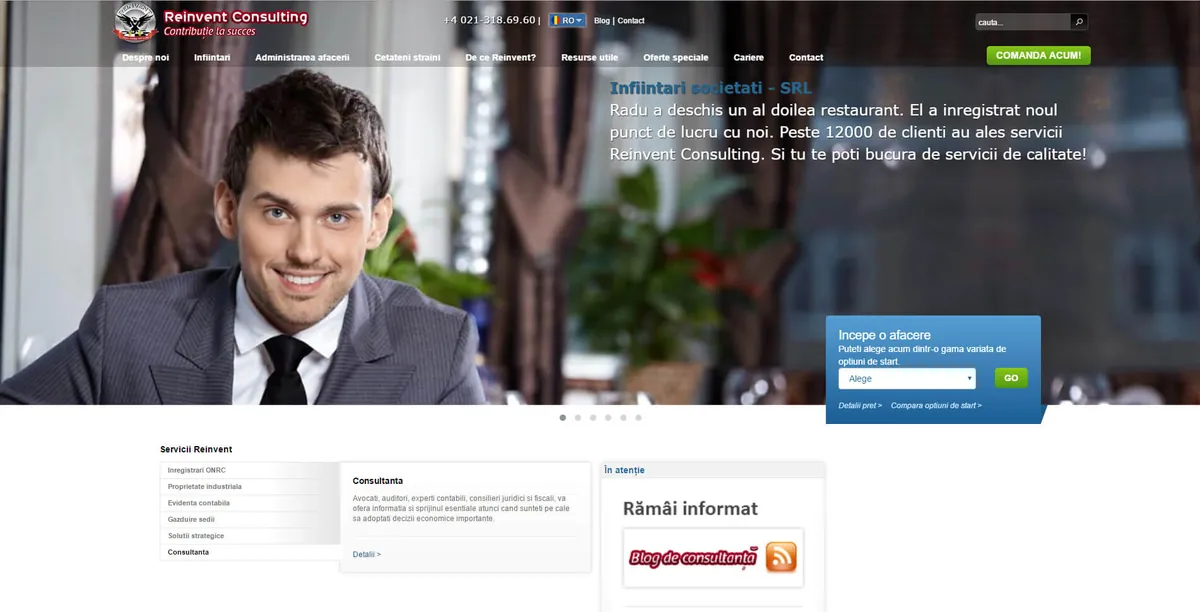
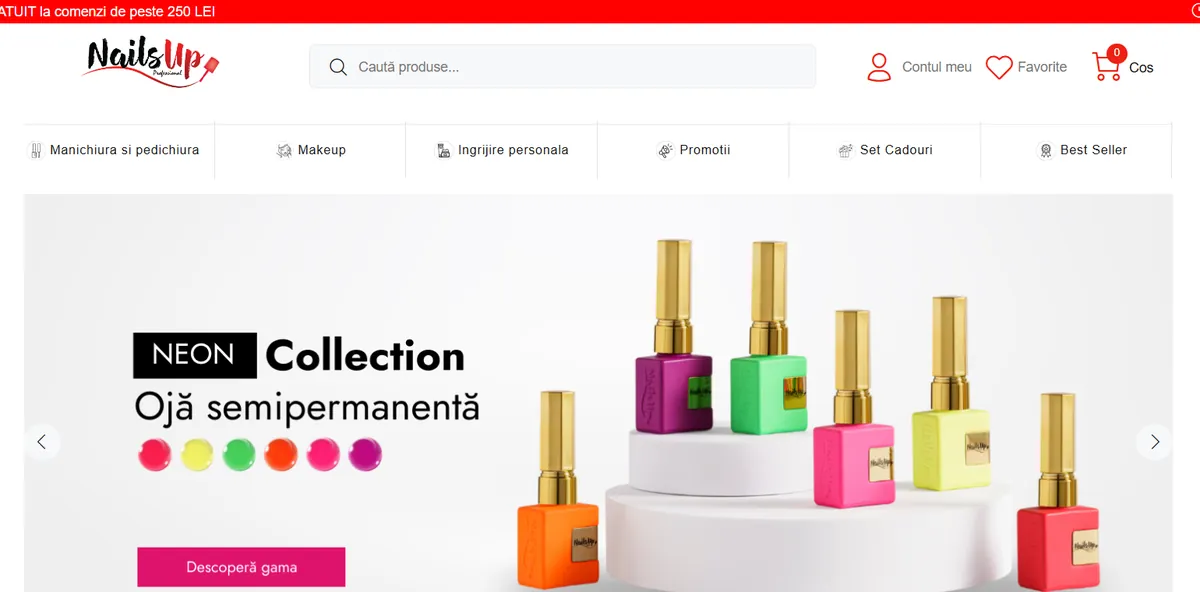
What we can do after the audit:
- fix the critical security and data issues first;
- upgrade PHP, the framework and the dependencies to supported versions;
- optimise speed, Core Web Vitals and technical SEO;
- repair forms, emails and analytics conversions;
- take over maintenance and build new features.
Know upfront what a new platform costs
When the audit shows that a rebuild is the better option, our starting prices, excluding VAT, are: a custom website from €2,000, a CRM from €6,000, a web application from €7,000 and an ERP from €9,000.
How much custom software costsHow much a technical audit costs
A technical audit starts from €1,000 + VAT. The final price depends on the size and complexity of the platform and on the areas you choose: a brochure site is audited much faster than an ERP with dozens of modules and integrations. After a first call, you get a proposal with the price and the timeline of the audit.
Type and size of the platform
Brochure site, online shop, web application, CRM or ERP: how many pages, modules and roles.
The areas you choose
All 12 or just a few, for example performance and technical SEO.
Access
Outside only, or also the source code, the server and the database.
Integrations
Payments, couriers, invoicing, ERP, CRM and other APIs that need checking.
Technology
PHP and Laravel, WordPress, or a platform built on another technology.
Deadline
Whether you need the report urgently, for example before an investment or a launch.
The proposal is free
After a first call, we send you the price and the timeline of the audit. To make the proposal as accurate as possible, tell us:
- the address of the website or platform and what it does;
- what problems you have noticed or what you want to decide after the audit;
- whether you have access to the source code and the server.
Frequently asked questions about technical audits
It is a complete review of how a website or web platform is built and how it works: speed, security, code, server, database, technical SEO, accessibility, GDPR compliance and integrations. The result is a report with the issues found, their priority and the plan to fix them.
An SEO audit looks at how the site appears in Google: keywords, content, links. A technical audit covers the technical side of SEO (indexing, speed, redirects, structured data), but it also checks what Google cannot see: security, code, the server, backups and integrations.
It depends on the areas you choose. Performance, technical SEO, accessibility and part of security can be checked from the outside, with no access at all. For the code, the database and the server we need read-only access: the Git repository or an archive of the code, the server or the hosting panel and, for SEO, Google Search Console.
No. We work with read-only access and do not run tests that could overload or block the server. Where a more aggressive test is needed, we run it on a copy of the site, not on the live one.
It depends on the size of the platform and on the areas you choose: a brochure site is reviewed much faster than an ERP or an online shop with many integrations. You get the exact timeline in the proposal, before we start.
A technical audit starts from €1,000 + VAT. The final price depends on the type and size of the platform, on the areas you choose and on access to the code. After a short call, we send you a proposal with the price and the timeline of the audit. The proposal is free.
The part visible from the outside (speed, technical SEO, accessibility, visible security, GDPR, analytics) we can check for any site, including WordPress, WooCommerce or Shopify. We audit the code and the server in depth for PHP and Laravel with MySQL, the technologies we have built with every day since 2015. For other technologies, we tell you in the first call what we can and cannot check.
No. We check security in the code, in the dependencies and in the server configuration, against the OWASP Top 10, without attacking the live site. If you need a certified penetration test, for a client or for a certification, we tell you so in the first call.
If you want us to, yes: we fix the issues, upgrade PHP, the framework and the dependencies, and we can take over maintenance, as we do for Time Critical Line. The report is yours, though, and it is written so that any team can use it, including your current developers.
We use the access only for the audit, and we sign a non-disclosure agreement (NDA) on request. We do not copy personal data into the report: screenshots have personal data blurred. At the end, we recommend that you change the passwords or close the accounts created for us.
That is one of the questions the audit answers. We recommend a rebuild only when fixing would cost more or would leave significant risks, for example a PHP or framework version that is out of support and hard to upgrade. If it comes to that, starting prices are in our pricing guide.
Related services
What software technologies do we use?
Our main technology for web projects is Laravel, a PHP framework with elegant syntax that scales easily and offers excellent security.
Laravel doesn't stop us from working with .NET, Java, Swift or other technologies when a project calls for it. We prefer it for the web because it lets us deliver similar projects faster, at a lower development cost.
-

-

-

-

-

-

-

-

-
main

-

-

-

-

-

-

-

-

-

-

-

-

-

-

-

Do you have a project you want to develop?
Write to us or give us a call and we will set up a meeting. We reply with questions first, then with a free quote that covers cost and timeline.
Or email us at contact@devteam.ro.